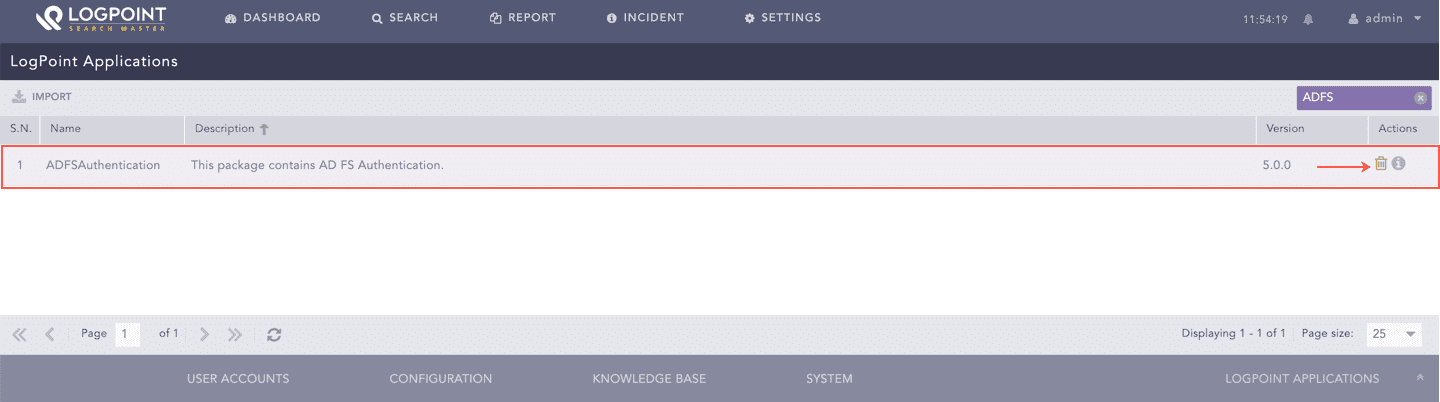
Go to Settings >> System >> Applications.
Settings >> System >> Applications
Click the Uninstall () icon from the Actions column.
Uninstall ADFS Authentication
We are glad this guide helped.
Please don't include any personal information in your comment

 ) icon from the Actions column.